Make something
uniquely yours.
Useful objects. Personal touches. Choose a tool, shape the details, and take your design to the printer.
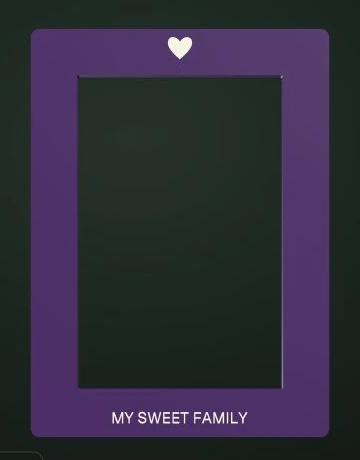 Actual tool preview
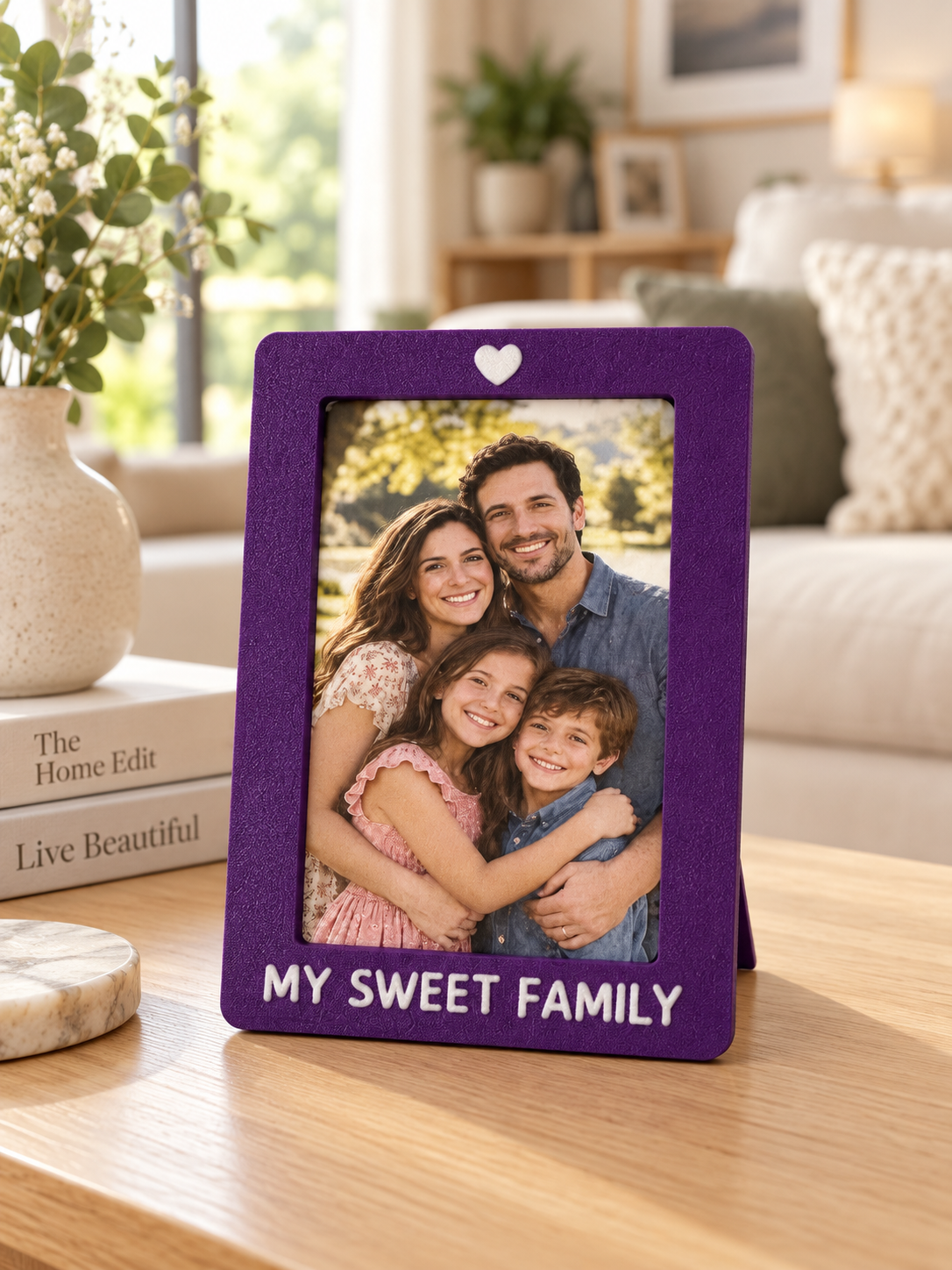 02 / KEEP THE MOMENT
Your photo. Your frame.
Custom dimensions · Two-piece construction
What will you make first?
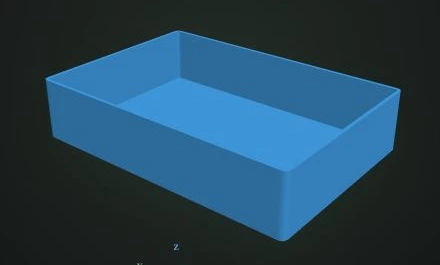 Actual tool preview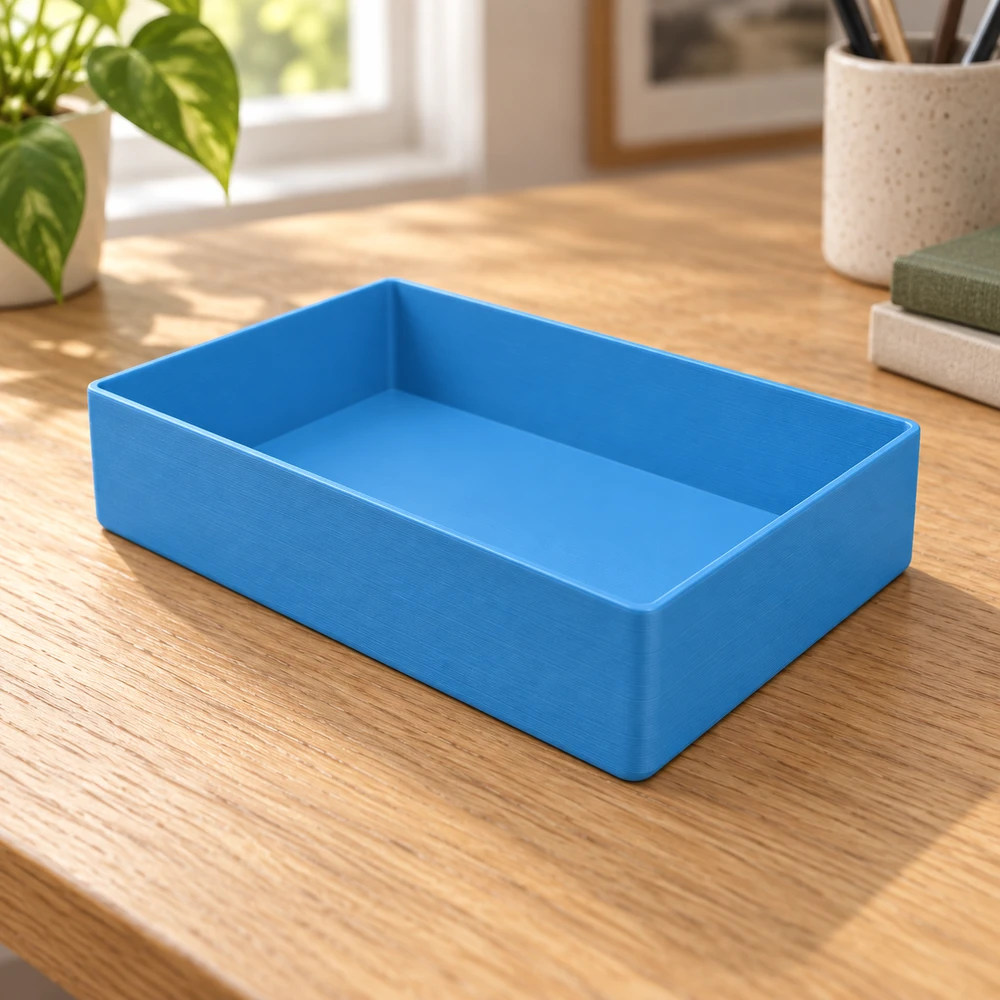
Parametric Tray↗
Split a made-to-measure organizer into independent compartments.
 Actual tool preview
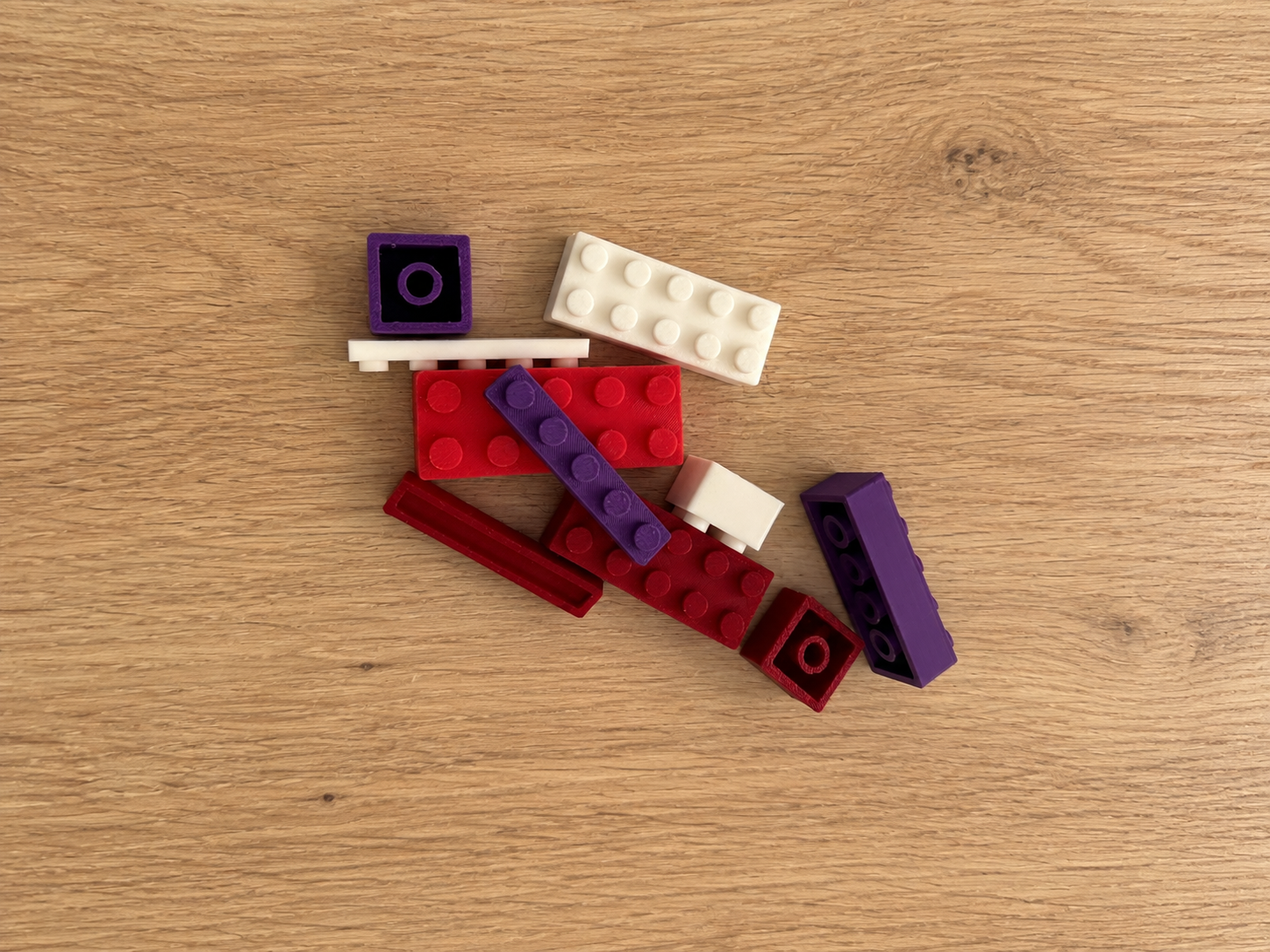 02 / MAKE IT REALReal 3D prints
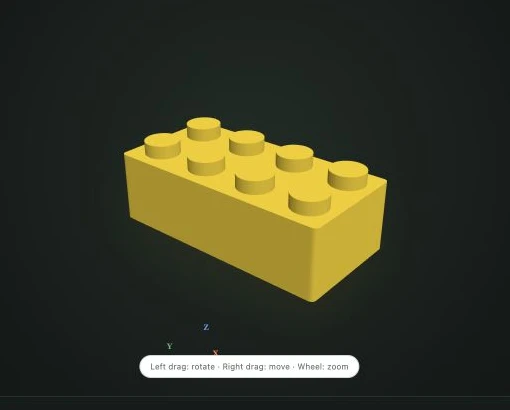
Block Maker↗
Generate a tolerance-aware interlocking block on an 8 mm grid.
Actual tool preview02 / KEEP THE MOMENTPicture Frame↗
Customize a press-fit frame with text, images, SVG and separate color parts.
Print appearance depends on your material and settings.
A little less designing.
A little more making.
Our model collection is on its way.
Discover decorative objects, everyday helpers and small details to print.
A few choices.
Something all your own.
Start with the Picture Frame tool.
See each change in the live 3D preview.
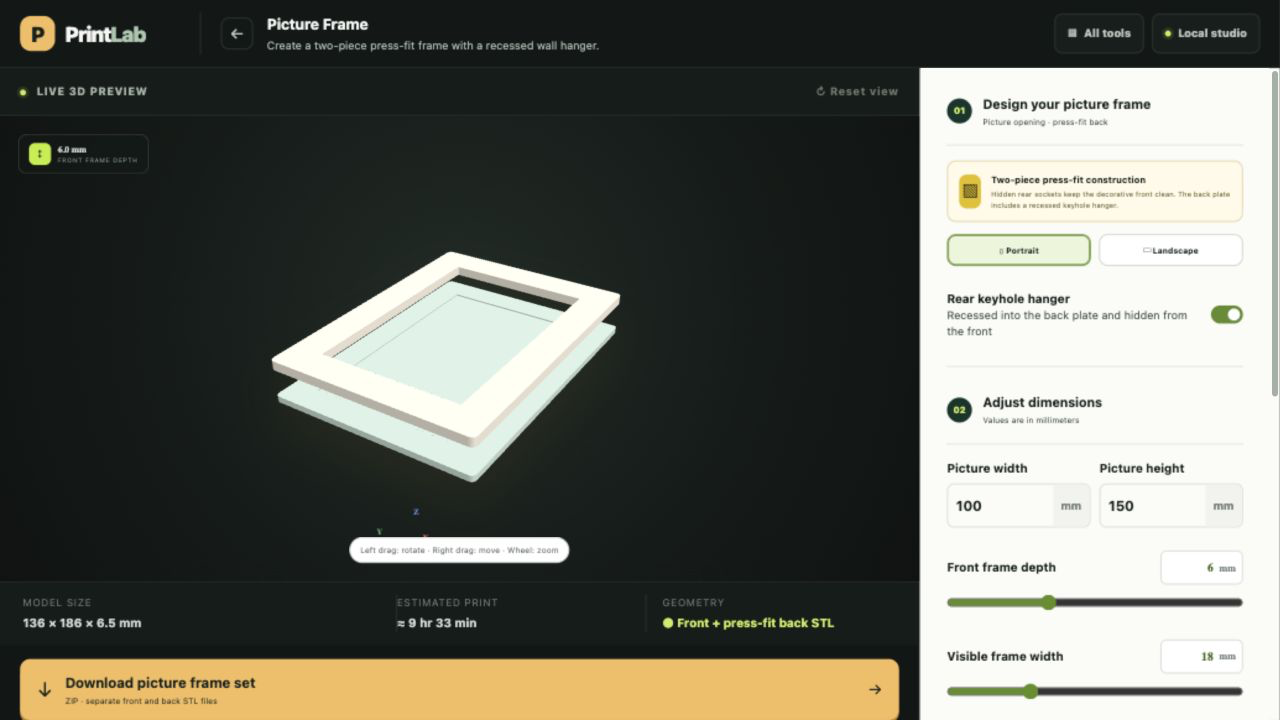 Actual interface · Picture Frame
- 01
Choose your dimensions
Set your picture width and height. Choose portrait or landscape.
- 02
Make the details yours
Adjust the border, depth, and corner radius. Rotate the preview to inspect both pieces.
- 03
Export. Slice. Print.
Download the frame set, review it in your slicer, and choose your material and print settings.
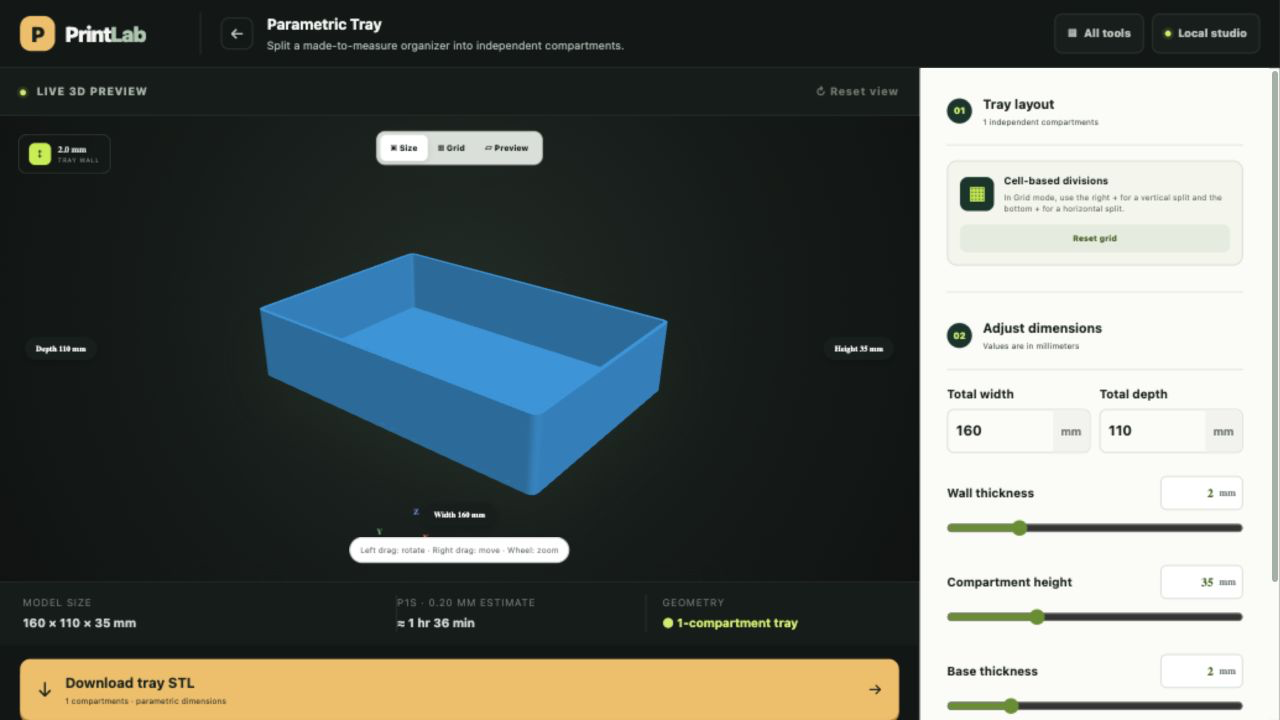 Actual interface · Parametric Tray
A tray that fits your space.
- 01
Measure your space
Set the total width, depth, and compartment height.
- 02
Divide and preview
Switch to Grid to add divisions. Inspect your layout in Preview.
- 03
Download your tray
Export the STL and check the fit and print settings in your slicer.